
How it works
3 steps, and your book is online.
Step 1: Find your code
Turn to the page just inside the front cover of your Learn Works book. The code is printed there.
Step 2: Create your account
An adult signs up once, then adds a profile for each child with a first name and year group. Children never need an email address.
Step 3: Start practising
Type the code to unlock that book for 6 months from the day you enter it. Pick a topic and begin.
Choose your book
8 books, 379 topics and 3,790 questions between them. Each book opens with the code printed inside its front cover.
- KS2 · Year 3
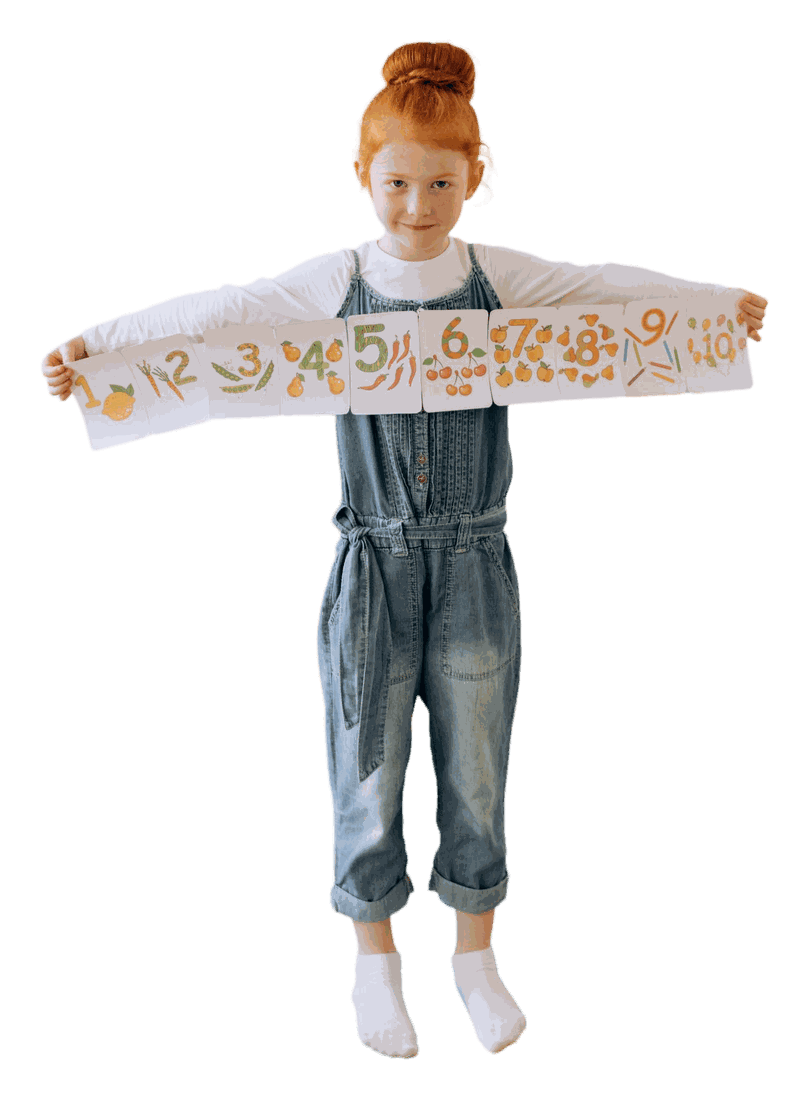
- KS2 · Year 3

- KS2 · Year 6

- KS3 · Years 7-9

- KS3 · Year 8

- KS4 · GCSE

- KS4 · GCSE
- KS4 · GCSE
What every topicgives you
Every page of your book has its own topic online. This is what each one has inside.
New questions on every topic
Every page of your book has its own practice online.
All kinds of questions
Pick the answer, fill the gap, put things in order, match pairs. With diagrams and reading texts.
Marked straight away
A short explanation after each answer, so mistakes turn into learning.
Practice that comes back
Tricky topics return a few days later, so they stick.
Who it is for
 Ages 5 to 11
Primary school students
Key Stages 1 and 2. Short practice that matches the page of the book they are on, with their own profile inside a parent’s account.
 Ages 11 to 16
Secondary school students
Key Stages 3 and 4, including GCSE. Students aged 13 and over can have their own account.
 Adults
Parents and guardians
Set up one account, add a profile for each child and follow their progress on the dashboard.
Questionsyou might have
On the page just inside the front cover of your book. Choose "Enter your book code", type it in, and your book unlocks.
6 months from the day you enter your code.
No. A parent or guardian creates the account, then adds a profile for each child. Children never need an email address.
Yes. You enter it when you sign up.
Yes. It comes with your book at no extra cost.
Any phone, tablet or computer with a web browser. There is nothing to install.
Your name and email, your child’s first name and year group, and their practice scores. You can download or delete it all from your Account page. Read our privacy notice.
Yes. Once you are logged in there is free practice for Key Stages 1 to 4, with quizzes, past-paper style questions and phonics and times tables checks.